Sticker Remover — Remove Sticker from Image Online Free
Brush over stickers, emoji reactions, chat bubbles, or any overlay on your image — the AI erases it and rebuilds the background behind it. Free HD result with a PersonRemover watermark.
Free HD with watermark · $1.99 no-watermark unlock · No subscription
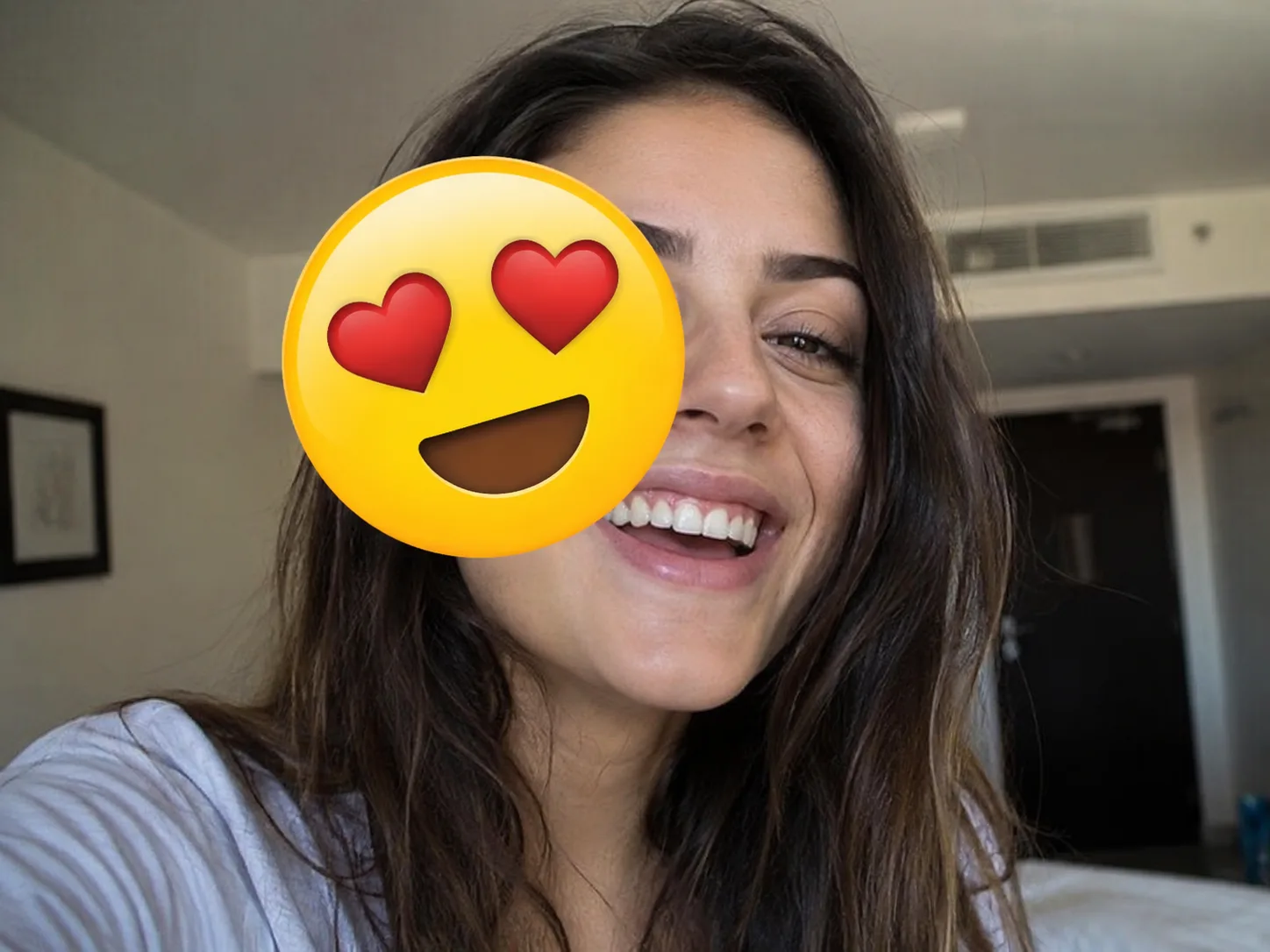
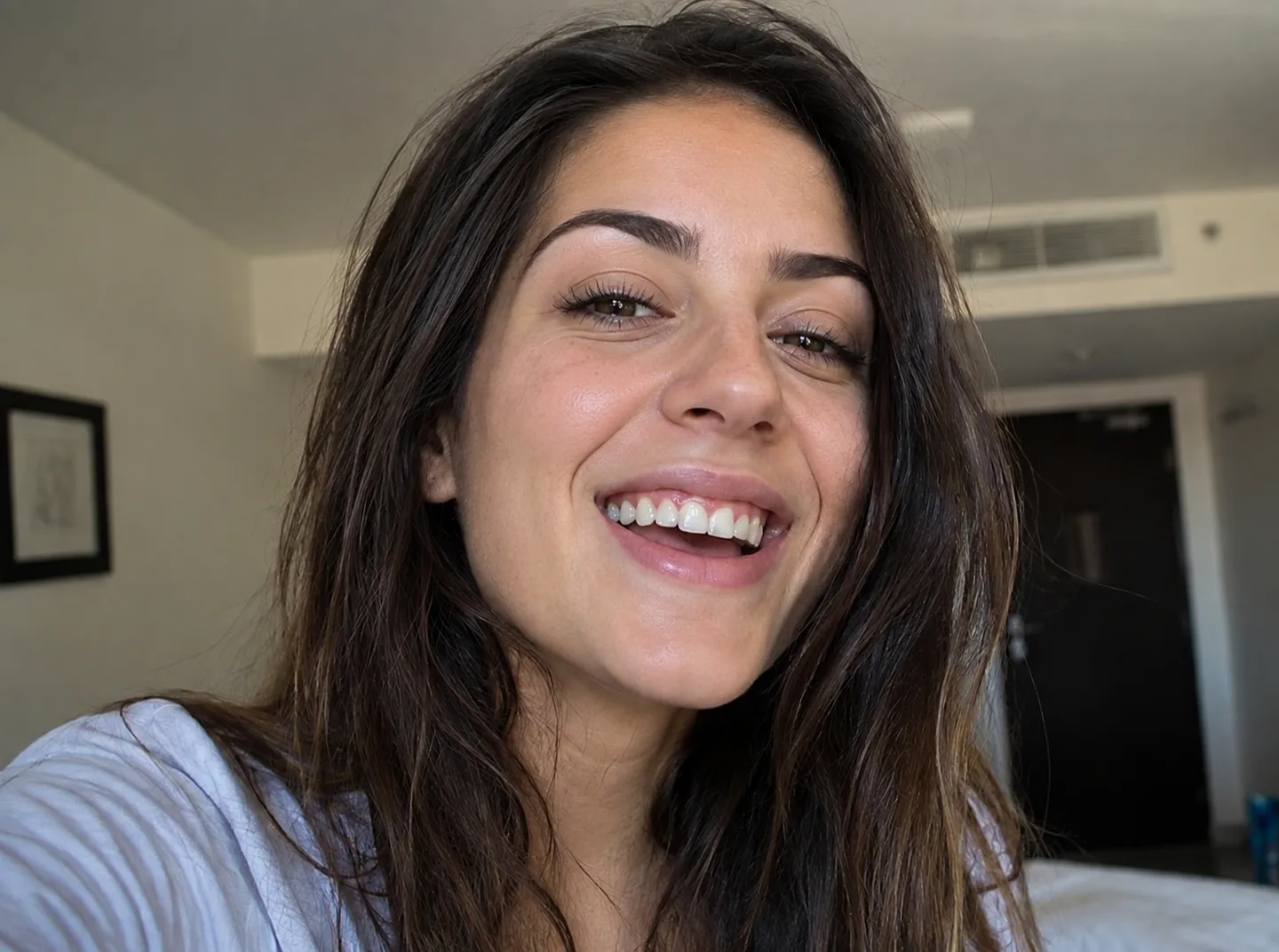
Before / After
Brush out stickers, emoji, and overlays
Step 1
Upload your image
Before and after sticker removal
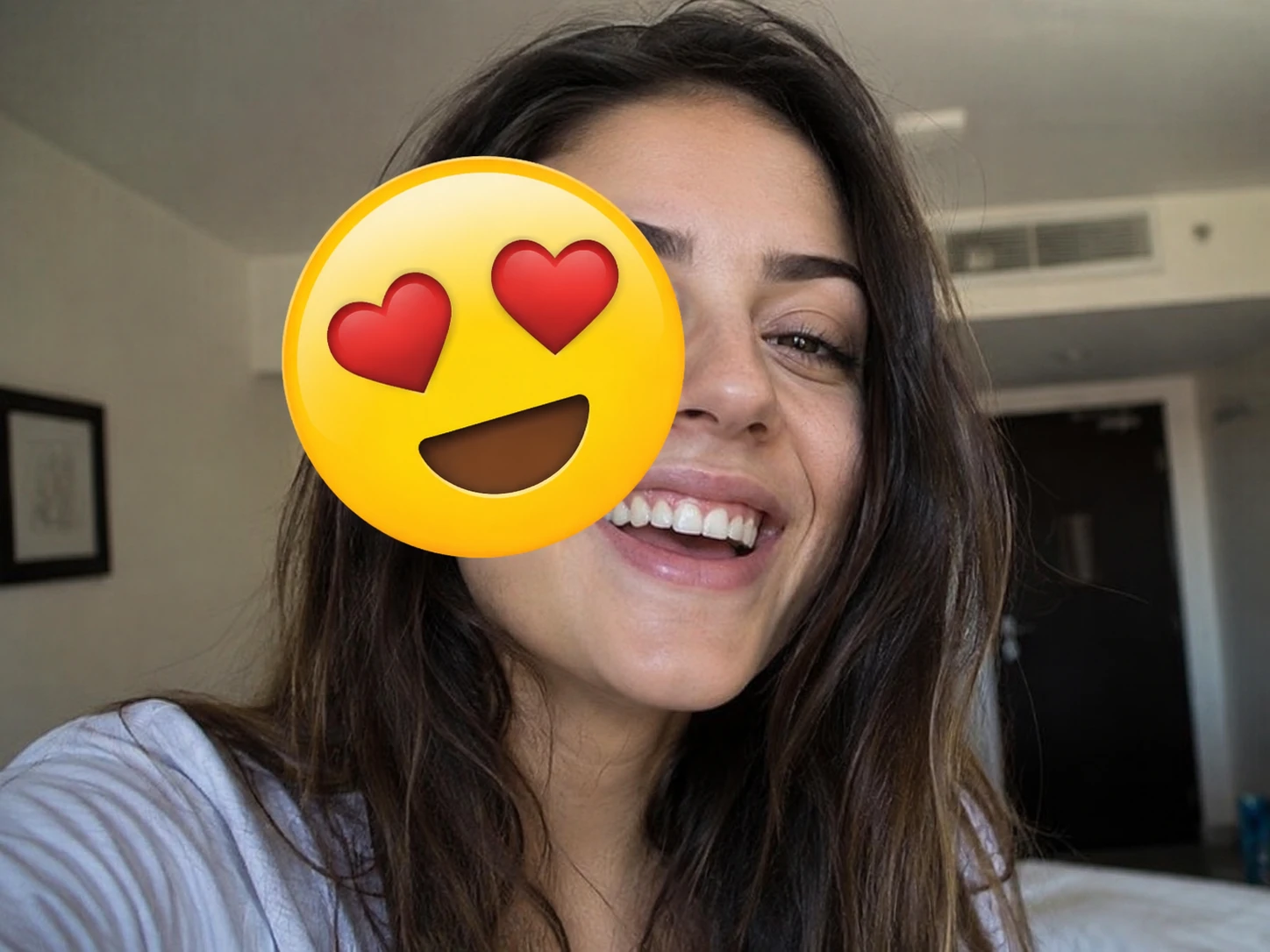
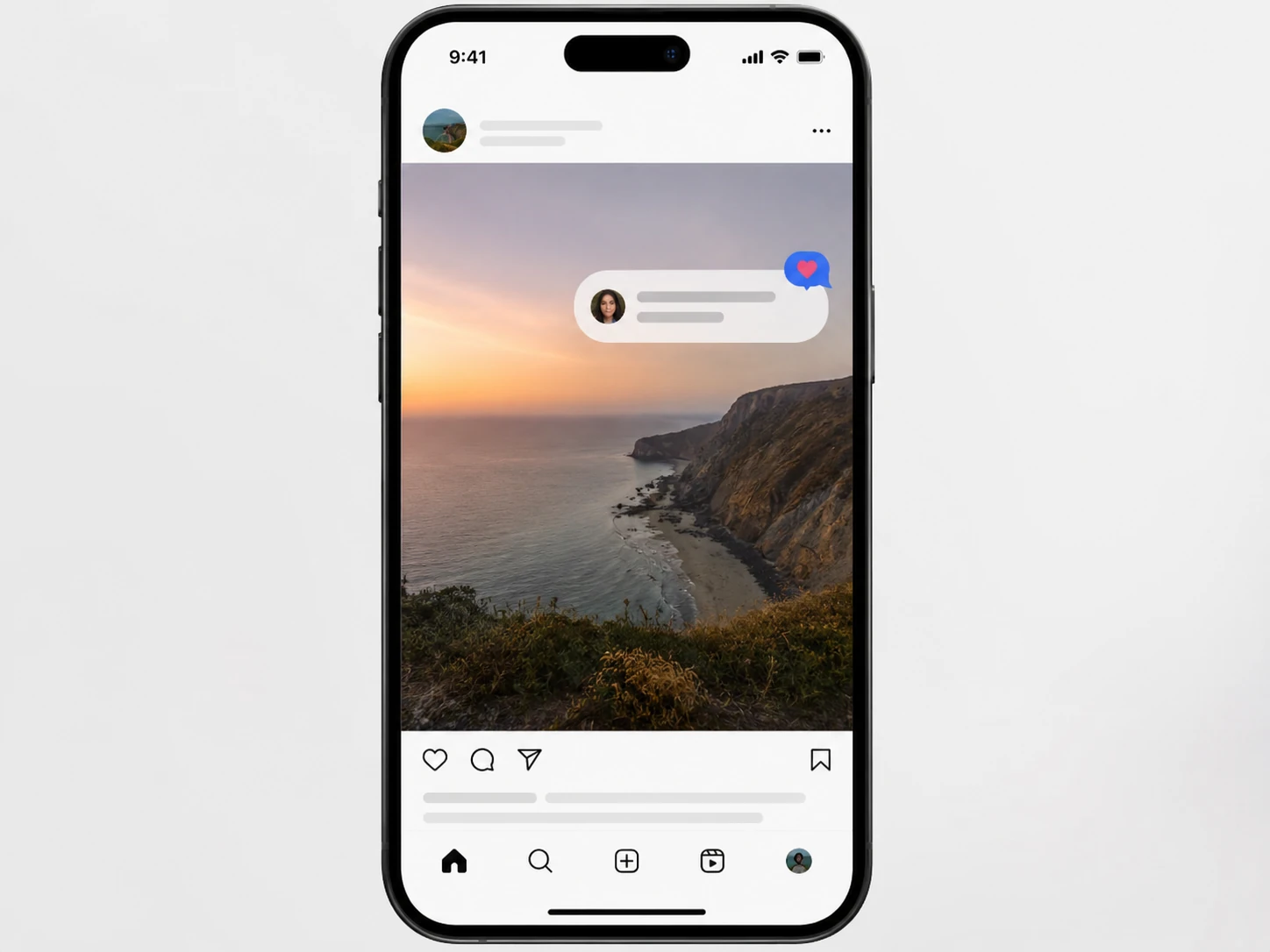
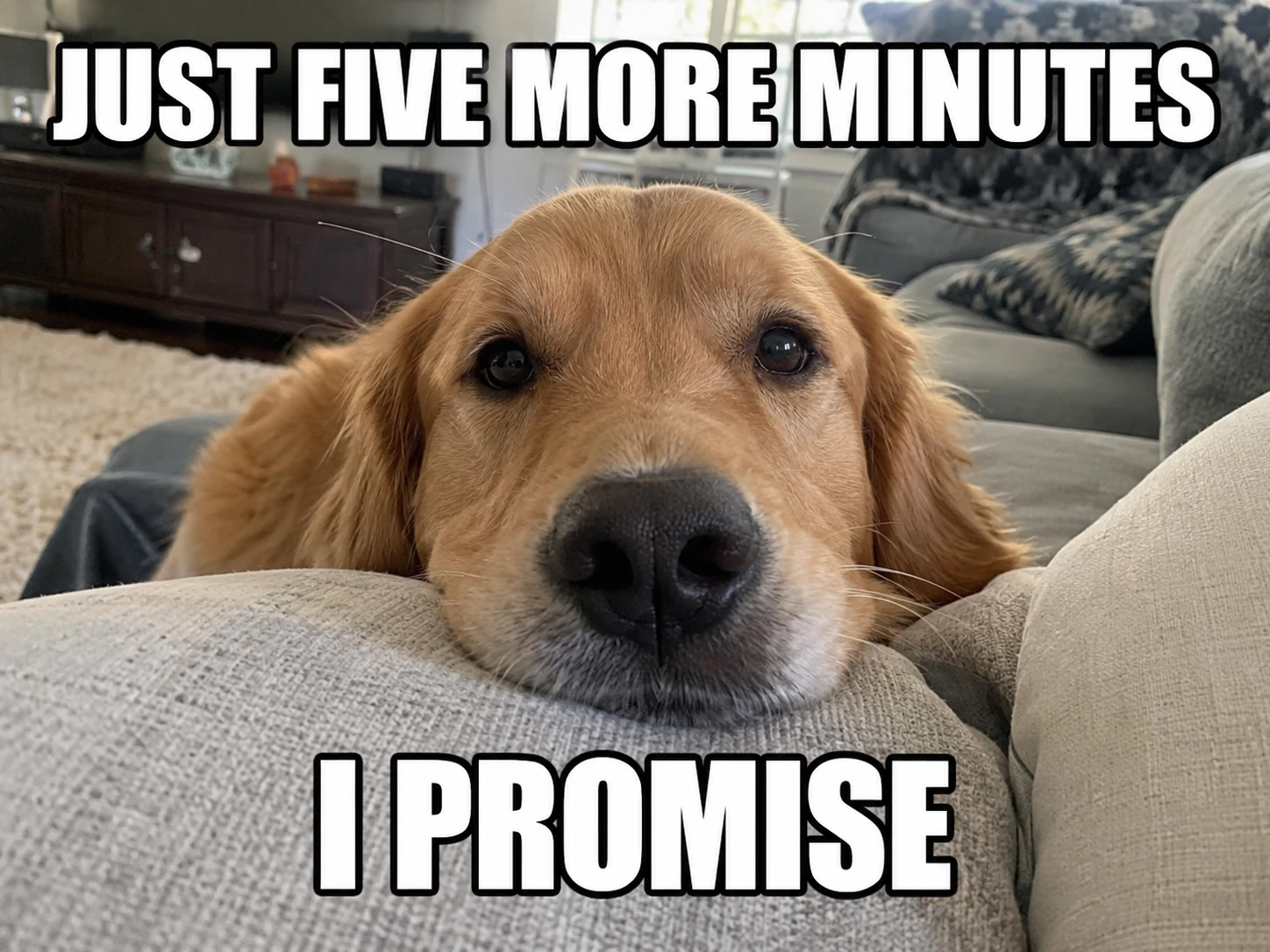
TLDR
A free AI sticker remover that erases stickers, emoji, chat bubbles, and overlay graphics from any photo or screenshot. Upload your image, brush over what you want gone, and the AI rebuilds the background underneath. The free HD download includes a PersonRemover watermark; a one-time unlock removes it.
Why you need a sticker remover
The problem: once a sticker is pasted, it feels permanent. You took a great photo, someone dropped a sticker on it, and now the original is buried underneath. Photoshop’s clone stamp takes forever and still looks fake. Most free apps just blur the area — leaving a smudge that’s almost as bad as the sticker itself. The sticker remover here uses AI generative fill to actually rebuild what was there.
How the AI removes a sticker from an image. Unlike simple erasers that blur pixels together, this tool’s AI model generates new pixels from its understanding of what photos and screenshots look like. When you brush over a sticker on a face, it rebuilds skin tone, hair texture, and facial features. When you brush over a chat bubble, it reconstructs the app UI or wallpaper behind it. The result isn’t the exact pixel-perfect original — but it looks like it belongs there.
Why this sticker remover beats editing by hand. No software to install, no layers to manage, no learning curve. Upload, brush, download — done in about 30 seconds. The free result is HD with a PersonRemover watermark; a one-time unlock removes the watermark.
How to remove stickers in 3 steps
1
Step 1 — Upload the image
Drag any JPG or PNG into the upload area — Instagram stories, Snapchat exports, WhatsApp screenshots, meme pictures, anything with stickers or emoji pasted on top. Images up to 20MB are supported.
2
Step 2 — Brush over every sticker and emoji
Paint over each element you want removed — smiley-face stickers, heart reactions, chat bubbles, platform watermarks, censor bars. For stickers with hard edges, paint a few pixels beyond the border so the AI has clean context to rebuild.
3
Step 3 — Download the clean image
Tap Remove, wait about 20–30 seconds, and review the reconstructed image. The free HD download includes a PersonRemover watermark; unlock the same HD result without that watermark when you are ready to export.
What you can remove
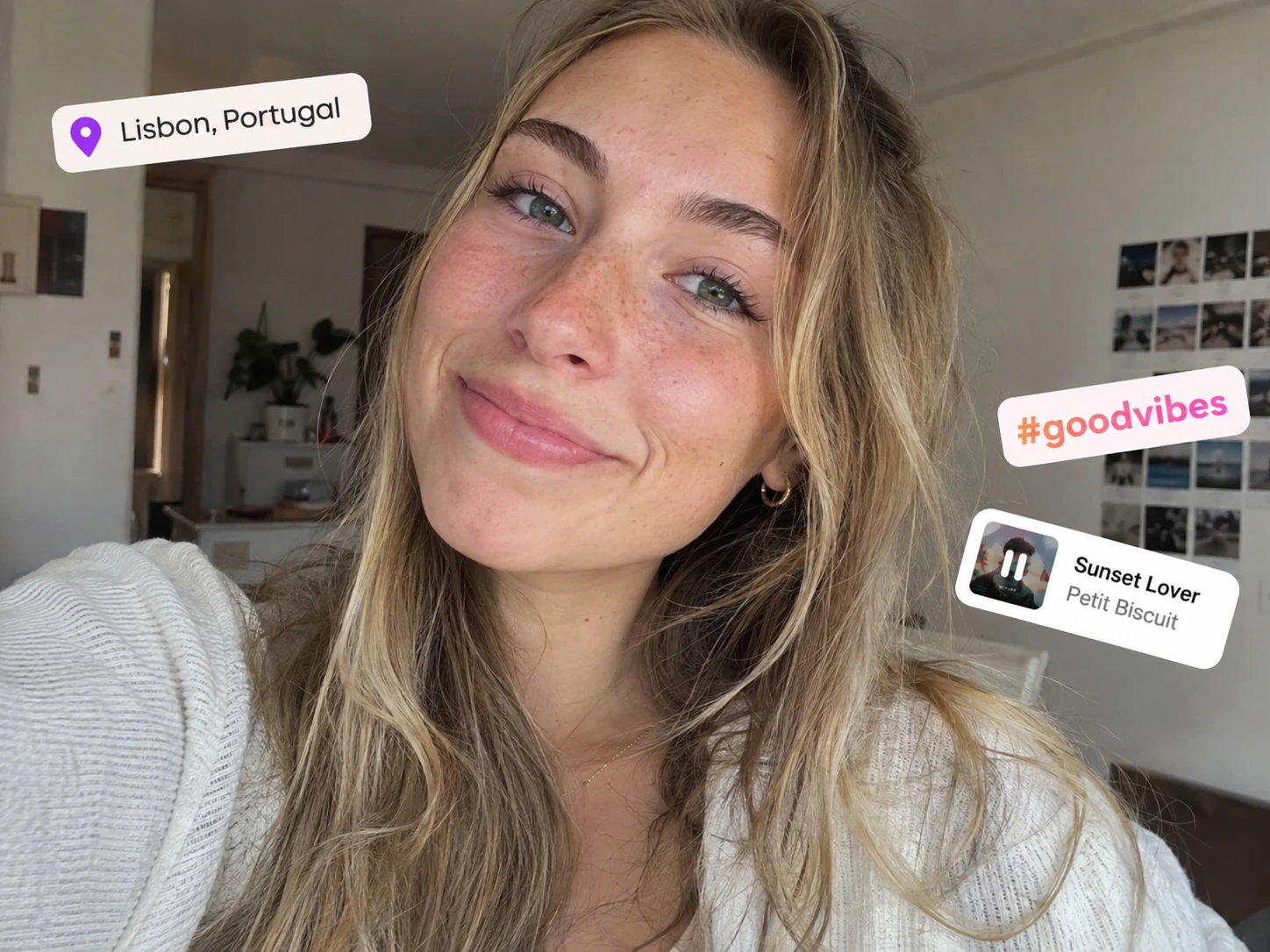
Instagram & Snapchat Stickers
Location tags, GIF stickers, countdown timers, music stickers, AR filter frames — all painted over and rebuilt.
Emoji Reactions on Faces
😂❤️👍 slapped over someone’s face in a shared screenshot — the AI rebuilds the face underneath.
Chat Bubbles
WhatsApp, iMessage, Telegram bubble shapes covering background — reconstructed clean.
Platform Watermarks
Graphic overlays like TikTok badges or Snapchat timestamps work here. For plain text watermarks and captions, use the text remover.
AI Text RemoverMeme Text & Captions
Sticker-style meme overlays and reaction graphics — brush them out here. For automatic caption and subtitle removal, use the text tool.
AI Text RemoverCensor Bars & Mosaics
Black bars across eyes, pixelation mosaics over license plates — the AI attempts to rebuild underneath.
Tips for the cleanest sticker removal
Paint the whole sticker including shadows
Many stickers have a subtle drop shadow. A tight mask leaves a faint halo — zoom in and paint 3–5 pixels past the visible edge.
For emoji on faces, give the AI room to work
Paint the emoji plus a small margin. The AI needs surrounding context to guess skin tone and facial structure.
Remove stickers one at a time
If your image has multiple stickers, brush and remove each one separately instead of painting them all at once.
Work with the highest resolution you have
The AI has more pixels to learn from on a crisp original than a compressed screenshot forwarded three times.
Honest limits
Generative fill means slight change everywhere
The AI regenerates the whole image — areas outside your mask stay visually close but aren’t pixel-identical. For social media cleanup this is almost never noticeable.
Faces behind stickers will look like a face — not the face
When a large emoji covers most of a face, the AI invents plausible features from context. Good for aesthetic recovery, not identity recovery.
Heavily pixelated censors can’t be truly decoded
Aggressive mosaics destroy the original information. The AI invents plausible pixels — fabrications, not recovered originals.
FAQ
Questions & answers
Ready to remove a sticker?
Upload an image, brush the sticker, and download a clean result.
Upload an Image